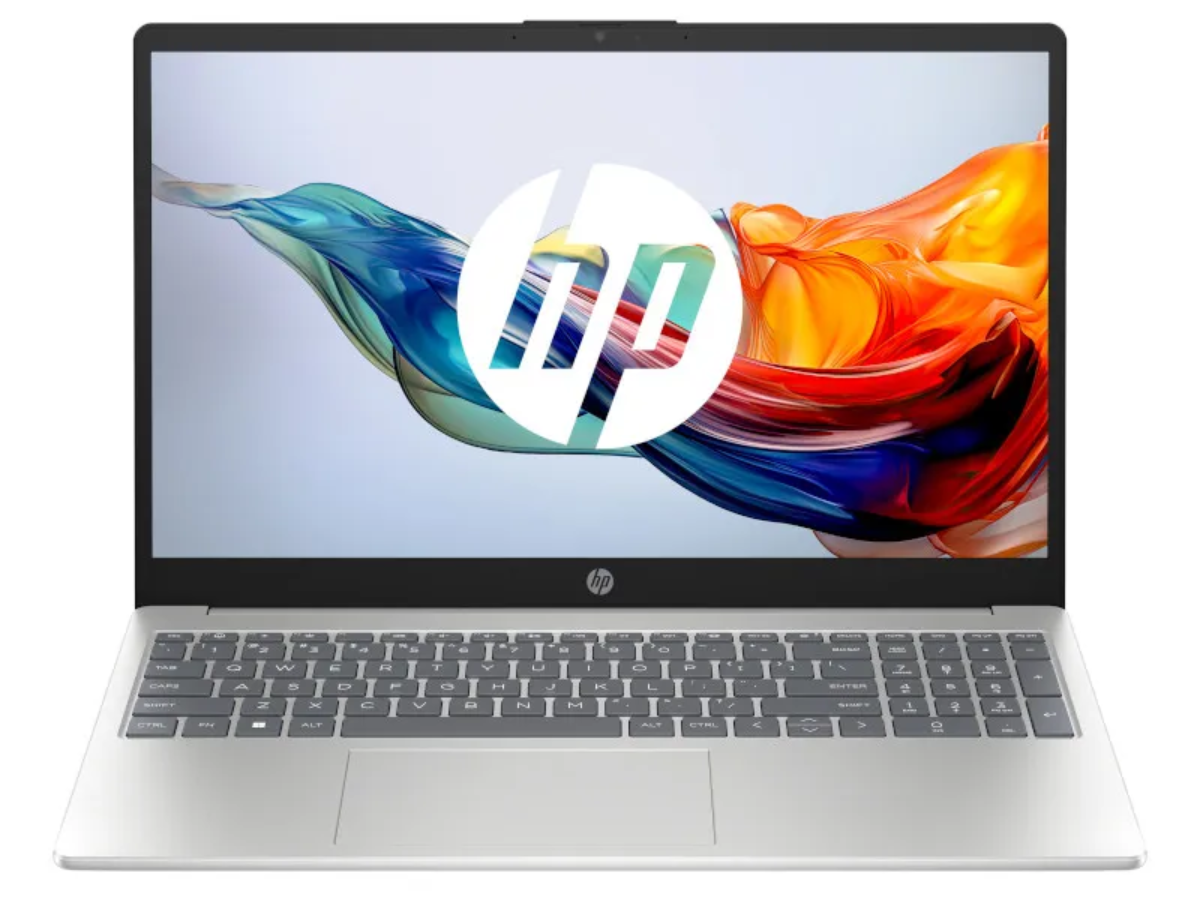
The HP Computer Buying Guide: Find the Best PC for Your Needs
Shopping for a new computer can get confusing fast. One model has more RAM. Another has a faster processor. Then there are SSDs, graphics cards, touchscreens, AI features, and enough numbers to make comparing two laptops feel like homework.
Fortunately, getting into the weeds on specs isn’t necessarily a requirement for finding your ideal HP laptop or computer match. The best device is one that aligns with your daily goals and priorities — be it work, streaming, or something else entirely.
This HP computer buying guide breaks down the features that matter most so you can find the right Windows 11 laptop or desktop for your needs and lifestyle.
Start By Figuring Out What You Need in a Computer
HP computers are built for a wide range of users — students, remote workers, creatives, and families who simply need a reliable PC at home. So before comparing models, think about your most demanding regular tasks. Someone who primarily browses the web and pays bills online likely won’t need the same computer as someone editing videos on a regular basis.
Consider what you’ll use your computer for in the immediate future and what you may need it to handle over the next few years. From there, you can narrow down the features worth prioritizing.
What to Look for When Purchasing a Computer
You don’t have to memorize a spec sheet to make a smart choice. Instead, we’ll help you translate major HP computer features into what they mean for everyday use.
Processor = How Hard Does Your Computer Need to Work?
The processor, or CPU, handles much of the computer’s general workload, including opening applications, managing spreadsheets, and keeping the system running efficiently. Basic web browsing and everyday productivity don’t require the most powerful processor available. But more demanding activities, such as video editing or coding, benefit from higher-performance processors.
Think of it this way: the harder you expect your computer to work, the more attention you should pay to its processor.
RAM = How Much Multitasking Do You Do?
Random access memory (RAM) is the computer’s short-term working space. More RAM helps a PC manage multiple tasks at once without slowing down.
A computer with 4 GB may be suitable for basic tasks like checking email and browsing the web, while 8 GB offers more room for everyday activities. HP recommends 16 GB of RAM for heavier multitasking, while 32 GB+ is better suited to demanding creative work.
Storage = How Much Room Do You Need?
Storage determines how much space you have for applications, documents, photos, videos, etc. Most modern laptops use a solid-state drive (SSD) for that storage. Compared with older hard drives, SSDs can access your stored information much quicker, helping your computer start up faster, open programs more quickly, and feel more responsive during everyday use.
HP suggests 256 GB for lighter use, 512 GB for most users, and 1 TB or more for people who store large photo and video collections, work with sizable files, or use storage-heavy creative programs.
Graphics = What Kind of Visual Tasks Will You Do?
Computer graphics hardware helps create the images, videos, animations, and other visuals you see on your screen. For everyday activities, the integrated graphics built into the computer’s processor are usually enough.
However, for high-intensity use like video editing, 3D design, and other visually demanding activities, you might need more graphics power. In these instances, a dedicated graphics card (also known as a discrete GPU) may be a good solution. It’s a separate graphics processor with its own resources for handling complex visuals, which may be built into your computer or connected externally with compatible hardware. The main benefit of this is that it can take some of the workload off of your computer’s main processor and help demanding creative programs run more smoothly.
For everyday creative work, though, a dedicated graphics card isn’t typically necessary. Just be sure to check the requirements of any creative software you plan to use, particularly for more demanding projects.
Display = What Will You Spend the Most Time Looking At?
Several features work together to determine how much you enjoy your overall viewing experience on the screen. Here, it may be more helpful to consider which display features are most ideal for daily activity:
- Screen size: A larger screen gives you more room for documents, spreadsheets, movies, or side-by-side windows, while a smaller screen can make a laptop easier to carry.
- Resolution: Ultimately, resolution is the amount of detail a screen can display. You’ll often see terms such as Full HD (1920 × 1080), 2K, or other higher-resolution options. Higher resolutions can make images and videos look sharper and more detailed. Full HD is a common choice for everyday work, school, and streaming, while higher resolutions may appeal to people who work closely with photos, videos, or other detailed visuals.
- Refresh rate: Measured in hertz (Hz), refresh rate tells you how many times per second the screen can update an image. For example, a laptop that operates at 60Hz can refresh up to 60 times per second. A standard display works well for most everyday activities, while a higher refresh rate can make fast-moving action look smoother.
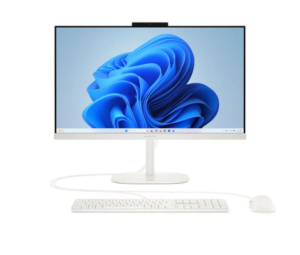
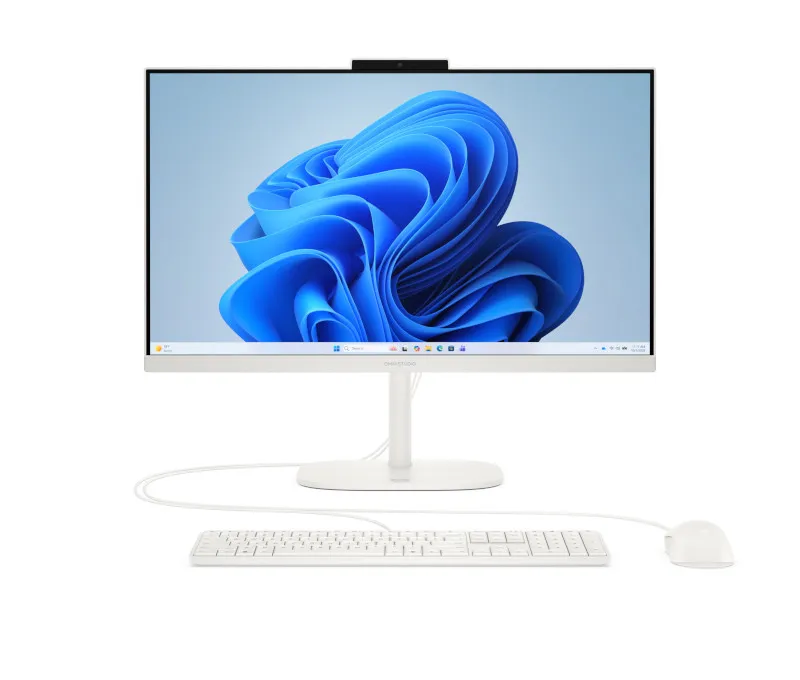
A student who carries a laptop around campus may prioritize a manageable screen size, like the one on the HP 14″ AMD Athlon Silver Laptop, while someone who works from home may prefer the extra screen space of the HP 17.3″ AMD Athlon Gold Laptop or the 23.8-inch display on the HP OmniStudio All-in-One. And if you edit photos or videos, you might place greater value on resolution and overall image quality.
Touchscreen = How Do You Like to Navigate and Create?
A touchscreen lets you interact with your computer by tapping, swiping, and scrolling directly on the display, rather than relying solely on a mouse or trackpad. It can be convenient for browsing, taking notes, drawing, reviewing documents, or moving through apps.
Some HP computers take that flexibility further. The HP OmniBook X Flip, for example, has a 2-in-1 design, which means you can use it like a traditional laptop or fold the screen back for a more tablet-like experience. That can be especially useful if you want one computer for typing at a desk and more hands-on tasks elsewhere.
Battery Life = How Often Will You Be Away From an Outlet?
If your computer usually stays hooked up on a desk, battery life may not be a major deciding factor. If you carry your laptop between classrooms, meetings, coffee shops, or other locations, a longer-lasting battery can give you more freedom to work without constantly searching for an outlet.
If you’re frequently on the move, HP recommends looking for a laptop with 10 or more hours of battery life to help you get through the day. But you’ll also want to keep in mind that advertised battery life is an estimate. How long a laptop actually lasts on a charge can change depending on what tasks you’re doing, your screen brightness, your settings, and other factors. So, to retain battery life throughout the day, consider turning on Windows’ built-in battery-saving mode, closing apps you aren’t using, lowering your screen brightness, and turning off Wi-Fi or Bluetooth when you don’t need them.
AI Features = What Could You Use a Little Extra Help With?
You may see terms like “AI PC” or “Copilot+ PC” when shopping for a new computer. Put simply, these computers include technology that handles certain AI tasks directly on the device. Depending on the computer and software you typically use, AI features can help speed up tasks like searching for information, creating or editing images, translating captions, and improving how you look and sound during video calls.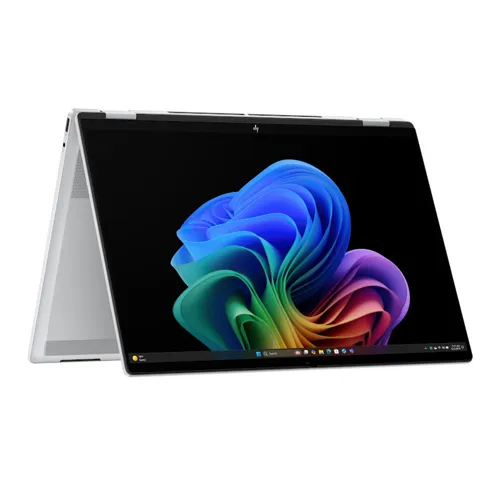
Several HP OmniBook models are available as Copilot+ PCs, which simply means they are AI-integrated. The HP OmniBook X Flip, for example, combines built-in AI capabilities with an Intel Core Ultra 5 processor, 16 GB of RAM, 1 TB of storage, and a 16-inch touchscreen that folds back for a more tablet-like experience.
You don’t necessarily need an AI PC for everyday browsing, streaming, email, or basic school and office work. But if you’re interested in newer Windows AI tools or want a computer designed with these emerging features in mind, it may be worth considering when HP computer shopping.
Which HP Computer Is Right for You?
Use this quick comparison as a starting point when shopping for a new Windows 11 computer for your kid or yourself:
Primary Use |
HP Option to Consider |
Features to Look For |
|---|---|---|
| Basic schoolwork & web browsing | HP 14″ AMD Athlon Silver Laptop | 4 GB RAM, 256 GB storage, compact 14″ display |
| Everyday home use | HP 17.3″ AMD Athlon Gold Laptop | 8 GB RAM, 256 GB SSD, larger 17.3″ display |
| Remote work, multitasking, & flexible laptop/tablet use | HP OmniBook X Flip 16″ | Intel Core Ultra 5, 16 GB RAM, 1 TB SSD, 2-in-1 design, 16″ touchscreen, Copilot+ features |
| Family & shared home computer | HP OmniStudio 23.8″ All-in-One Desktop | 23.8″ display, 8 GB RAM, 256 GB storage, all-in-one design |
Exact models and availability may vary by location, so check the specifications of the computer you’re considering before making your choice.
Find an HP Computer That Aligns With Your Lifestyle at Rent-A-Center
Whether you’re shopping for a dependable laptop for school, a versatile 2-in-1 for work, or an all-in-one desktop for the whole family, Rent-A-Center offers a wide selection of HP computers to match your needs. With flexible rent-to-own options and free delivery, it’s easier to bring home the technology you need today.
Browse HP computers online or visit your local Rent-A-Center to find the right fit.