

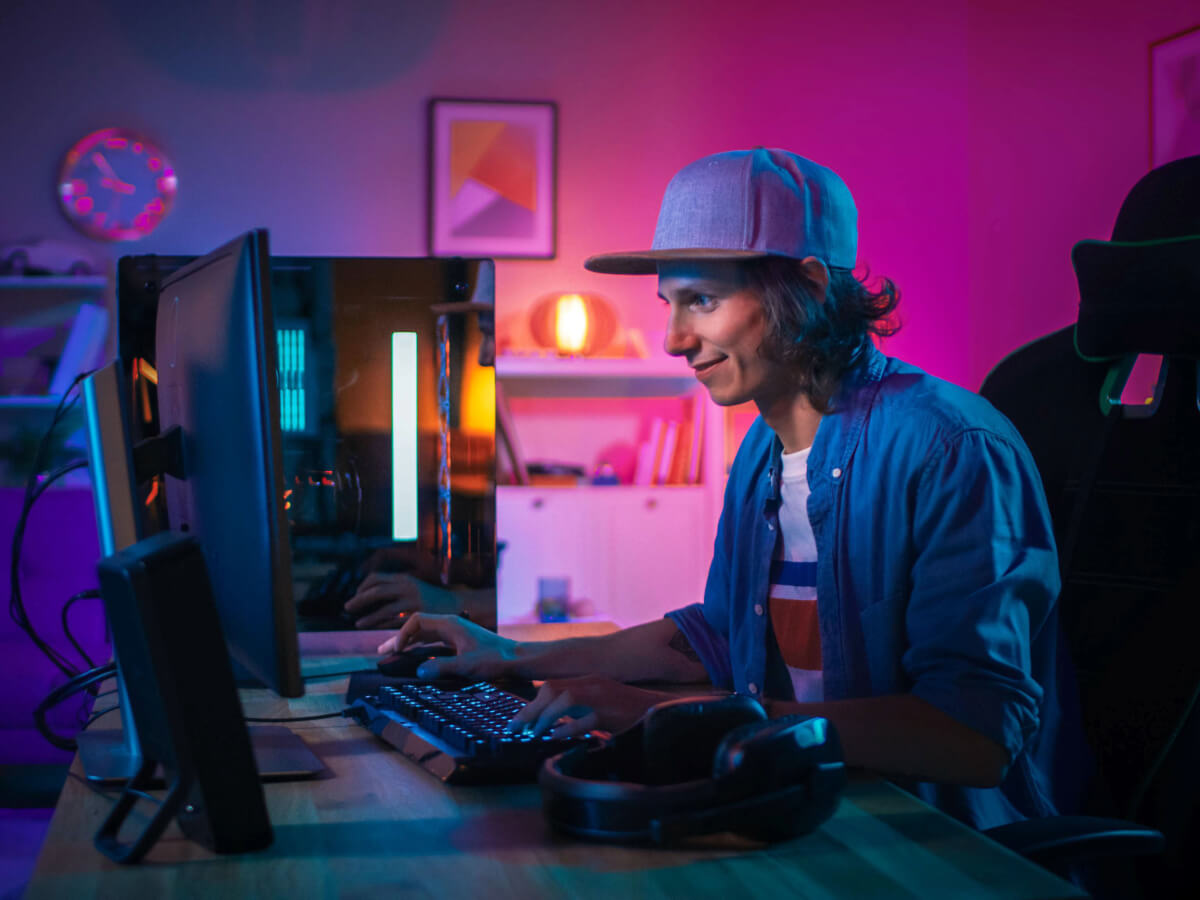
A great setup starts with things you don’t always think about. Your internet connection, screen, chair, and even lighting all play a role in how much you enjoy your gaming sessions. Check those boxes, and you’ll spend less time troubleshooting, squinting, and twisting your back into a question mark and more time actually playing the games you love.
Fortunately, you don’t have to build the ultimate setup on day one. You can start with the basics and upgrade your setup as you go. So, if you’re looking for a beginner gaming PC setup guide, look no further — we’ll cover everything from your internet connection and router to the PC, furniture, and accessories that can make your space a place where you can lock in.
How to Build a Gaming Network at Home
Your gaming network might not be the most exciting part of your setup, but it’s the one you’ll notice the most if something goes wrong. A reliable gaming network starts with three things: a reliable internet connection, a capable modem and router (placed in a good spot), and the right connection to your PC. Let’s explore each in more detail:
1. Your Provider and Plan
Your internet connection starts with your internet service provider (ISP) plan. When choosing your plan, look for one with enough speed and bandwidth for everyone in your household. Fiber optic cable takes the cake for speed and reliability, but it’s not available in all areas and can be a bit more costly than standard plans, so a good cable connection can work well, too.
For gaming, consistency and low latency are usually more important than simply choosing the plan with the biggest download and upload numbers. After all, there’s not much point in having blazing-fast internet if someone streaming a movie in the next room brings your game to a crawl. With that said, here are the widely recommended speeds, depending on your circumstances:
- 50–100 Mbps: A good starting point for online gaming, HD/4K video streaming, browsing, and everyday use across a few devices.
- 150–200 Mbps: A better fit for busier households that partake in online gaming, 4K video streaming, video calls, and occasional live streaming.
- 500 Mbps–1 Gbps: A great choice for larger households with lots of connected devices, frequent downloads, multiple 4K video streams, and heavy internet use.
2. Your Router and Modem
Your modem and router have different jobs, but they’re both necessary to make your internet work. Your modem connects your home to your provider, while your router takes that connection and sends it to your devices.
Modems:
If you have cable internet, your provider will typically provide a modem or list compatible models you can use. If you’re buying your own, make sure it’s compatible with your ISP and can support your plan’s speeds.
Fiber internet works a little differently. Instead of a traditional cable modem, fiber often uses an optical network terminal (ONT) to convert the fiber connection into something your router can use. Your provider typically supplies this when they run fiber-optic lines to your home.
Routers:
The router is where things get a little more interesting for gamers. Look for a newer Wi-Fi standard, like Wi-Fi 6 or 7, especially if several people and devices are using your network at the same time. Gigabit or multi-gig Ethernet ports are also worth having if you plan to connect your gaming PC directly to the router. When in doubt, overshoot the port speed, since higher port speeds can handle lower internet speeds, but not vice versa.
Where you put your router matters, too. Keep it somewhere open and relatively close to your gaming setup if you’re using Wi-Fi. If your gaming space is several rooms away, a mesh Wi-Fi system or additional access point can give a stronger signal while minimizing the impact on your housemates.
With all that said, a reliable internet connection, a good modem/ONT, and a router are more important than top-of-the-line equipment or speed. Like horsepower in cars, more is not always better — a system matched to your intended use matters more than specs.
3. Your Connection Method
Is wired or wireless better for gaming? Like internet speed, the answer depends on your situation.
If you can connect your gaming PC directly to your router without Ethernet cables turning your home into an obstacle course, wired is usually the way to go. Wired connections are typically more stable and less prone to interference than Wi-Fi, which can mean less lag and better online gameplay.
However, Wi-Fi is far from a dealbreaker. If your gaming setup is upstairs, your router is on the other side of the house, or you simply don’t have control over where everyone else uses the network, a good wireless connection can work just fine. A modern router, strong signal, and solid internet plan are typically all you need for a good gaming experience.
In other words, use Ethernet if it’s convenient. If it isn’t, don’t let that stop you from playing online or learning how to set up a gaming server. Just make sure your equipment is up to the job and your router isn’t buried behind three walls and a stack of old board games.
PC Gaming Setup for Beginners: FAQs
What Is a Good Gaming PC for Beginners?
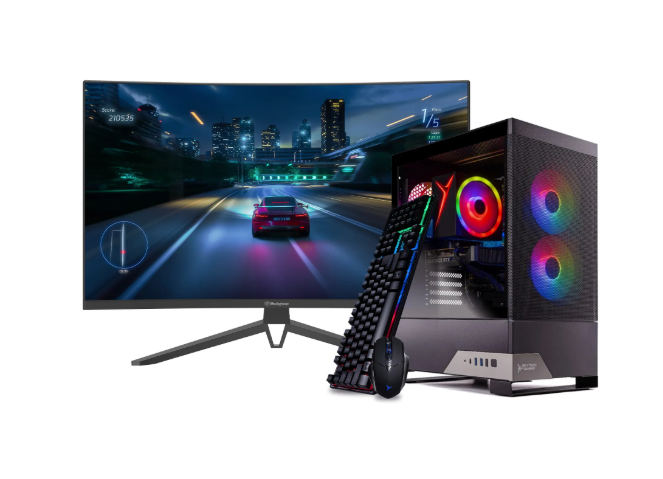
If you’re looking for an entry into the PC gaming space, know that it doesn’t have to break the bank — Skytech’s gaming desktops are a great choice. At the time of writing, we have various Skytech desktops available, including the Nebula 2 and the Cobalt, which come with the essentials you’d want in a beginner gaming setup. They both come as bundles with a 27-inch 240Hz gaming monitor, keyboard, and mouse, so you don’t have to shop for all the pieces separately.
A combination like that gives you a solid foundation for modern gameplay, prioritizing faster load times and better overall gaming performance. If you go this route, just remember to pick up an uninterruptible power supply, too, to help protect your hardware during a power surge or outage.
Rent-A-Center Tip: If you’re looking to game on the go or maximize flexibility in a small gaming space, gaming laptops are another incredible option.
Gaming Room Design: What Should I Consider?
Don’t get us wrong — your desktop or gaming laptop gets most of the attention — but the space you game in can make all the difference. So, what are the gamer room essentials you should look for?
To create a killer gaming space, start with your screen. A gaming monitor is the obvious choice, but if you’re on a budget or prefer sitting farther away and playing on a controller, a smart TV can work beautifully, too.
Then, think about where you’re actually going to sit. A comfortable chair and a quality desk at the right height are worth the investment. Your future self (and that self’s back) will thank you after a four-hour gaming session.
From there, have some fun with it. A gaming nook doesn’t need to look like a spaceship, so if you’re looking for game room ideas on a budget, start small. A little lighting, a headset, or a home theater setup can really take things to the next level, whether you’re creating a bedroom or a garage gaming setup. Throw in a good keyboard and mouse, as well as somewhere to keep your game console controllers, and you’re ready to carry your team to victory in style.
The TLDR? Don’t let social media gaming room ideas convince you that you need a $5,000 space before you’re allowed to have fun. Build on the one you already have — move your desk into a spare corner, add a lamp or some inexpensive LED lights, install some shelves to get accessories off the floor, and bam — you have a setup even a seasoned gamer would be proud of.
Trying to Build a Good Beginner PC Gaming Setup? Rent-A-Center Can Help
Building a great gaming network is about bringing together the right computer, network, and gaming space to create an experience that’s smooth, comfortable, and ready for every match. Whether you’re setting up your first gaming station or upgrading an existing one, choosing equipment that fits the way you play can make all the difference.
Rent-A-Center makes it easy to build your gaming setup over time with rent-to-own Skytech Gaming PCs, TVs, and other electronics. Browse online or visit your local Rent-A-Center to find the gaming gear that helps you play your best.