


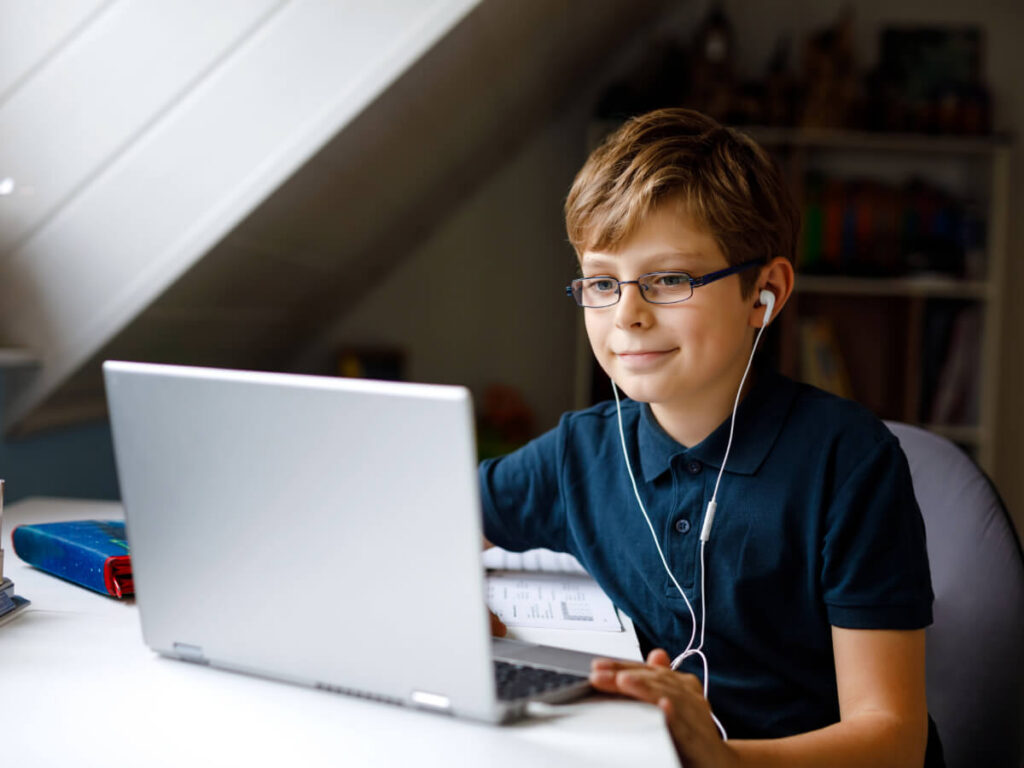
Buying a laptop for a child can feel a lot like shopping for shoes. You want something that fits right now, holds up to daily wear, and doesn’t cost a fortune if they outgrow it in a year. The difference is that a laptop also has to keep up with homework, handle the occasional creative project, and survive being shoved into a backpack five days a week.
Fortunately, finding the best laptop for kids doesn’t require a computer science degree. It starts with one simple question: What is your child going to do with it? Once you know that, the rest of the decision gets a lot easier.
Consider How Your Child Will Use Their Laptop
Before comparing specs or reading reviews, think about a typical day in your child’s life. Doing so will help you avoid two common traps: overspending on power they will never touch or underspending on something that slows down and frustrates them within a few months.
School and homework
If your child mostly needs a laptop for their online classroom, writing, web research, and hopping between a browser and a few open tabs, they likely do not need anything fancy. The best kids’ laptop for them will be something reliable with decent speed and enough storage for school files and apps.
If you are also building a dedicated study space at home, these homeschool setup ideas pair well with choosing the right laptop.
Creative projects
Kids who are into drawing, video editing, music production, or photography will benefit from a laptop with a bit more power. A faster processor and extra storage space help these programs run smoothly without freezing up mid-project. Screen quality can also matter here. If your child cares about visuals, it may be worth learning what an OLED display is and why it looks different.
Gaming
If your child is a gamer, their needs shift significantly. A gaming laptop for kids does not have to be top-of-the-line, but it does need a dedicated graphics card and a solid processor to handle the games they want to play without constant lag or overheating.
A little bit of everything
Most kids fall somewhere in the middle. They do homework, stream shows, play casual games, and video chat with friends. A mid-range laptop with balanced specs is often a sweet spot here.
Key Specs That Matter
You don’t need to memorize a full spec sheet to make a smart choice for your little one. Here are the key things to consider when shopping for laptops for kids, explained in plain terms.
1. Processor (speed)
This is what determines how fast the laptop feels. For school and browsing, look for at least an Intel Core i3 or AMD Ryzen 3. For gaming or creative work, stepping up to an Intel Core i5 or AMD Ryzen 5 makes a noticeable difference.
The key thing to watch for: if the laptop struggles to keep multiple tabs or apps open at once, the processor is probably underpowered.
2. RAM (multitasking)
RAM is what lets your child switch between apps without everything slowing to a crawl. 8 GB is a solid starting point for most kids. Gamers and young creators may want 16 GB for smoother performance.
3. Storage
This is where all their files, apps, and downloads live. A smaller drive fills up fast, especially with school files, games, and photos piling up. Look for at least 256 GB of solid-state storage (SSD) for faster loading and enough room to grow.
4. Battery life
If your child carries their laptop to school, battery life will be very important. Look for something that can get through a school day (roughly 6 to 8 hours) on a single charge, so they don’t have to hunt for an outlet by lunchtime.
5. Screen size
A 13- to 14-inch screen is a good middle ground. It is big enough for comfortable viewing and schoolwork, but not so large that it becomes a pain to carry. Younger kids who mostly use a laptop at home may be fine with a bigger screen, while older kids on the go may prefer something lighter.
Safety, Durability, and Peace of Mind
Performance is only part of the picture. When you are shopping for a child, you are also thinking about how long the laptop will last and how it will be used when you’re not watching.
- Durability: Kids are not gentle. Look for laptops with solid build quality, reinforced hinges, and spill-resistant keyboards if you want it to survive daily life. A protective case or sleeve is a small investment that can also save you a big headache.
- Parental controls: Both Windows and macOS have built-in parental controls that let you manage screen time, filter content, and monitor app usage. These tools are typically free, already on the laptop, and worth setting up before you hand it over. Third-party options are available, too, if you want more customization.
- Screen comfort: If your child will be staring at a screen for hours of homework, look for a laptop with an anti-glare display or adjustable brightness. Eye strain adds up, especially for younger kiddos.
- Privacy: A built-in webcam is useful for school calls and video chats, but worth being aware of. Some laptops include a physical privacy shutter over the camera, giving you and your child a simple way to control when the camera is on.
Common Mistakes to Avoid
Even with the best intentions, it is easy to make a few missteps when buying a laptop for a child. Here are the ones worth watching out for:
- Overspending on features they will not use. A high-end processor and premium display are great for a professional, but a 10-year-old doing book reports and playing casual games will never notice the difference.
- Going too cheap and replacing it sooner. On the flip side, a bargain laptop that cannot keep up with basic schoolwork or runs out of storage ends up costing more in the long run. Aim for something that can grow with your child for at least a couple of years.
- Ignoring weight and portability. If your child carries a backpack to school every day, a heavy laptop can become a problem. Check the weight before you buy, especially for younger kids.
- Skipping setup. It is tempting to hand over the laptop as soon as it is out of the box. Take 20 minutes to set up parental controls, create a child account, and install the apps they will need. That small time investment saves a lot of trouble later.
If you are planning purchases around the school year, these smart back-to-school shopping tips can help you time it right and avoid impulse buys.
Find the Right Laptop Without the Full Upfront Cost
Once you know what your child needs, the last piece is finding a way to bring it home that works for your budget. With flexible rent-to-own laptops, you can get your child set up with the right laptop without the long-term commitment, and as your child’s needs grow, you can always upgrade to a more powerful model down the road.
Browse our full lineup of computers online or visit your nearest Rent-A-Center to find the right fit. Your child gets what they need for school, creativity, and everyday use, and you get the peace of mind that comes with a choice that makes sense for your family.